Social assets
The teaser video, webinar slides, logos, colors and ready-made graphics for Instagram and Facebook. Pick what you need, hit download, and go — then tag it so we can find it.
Video
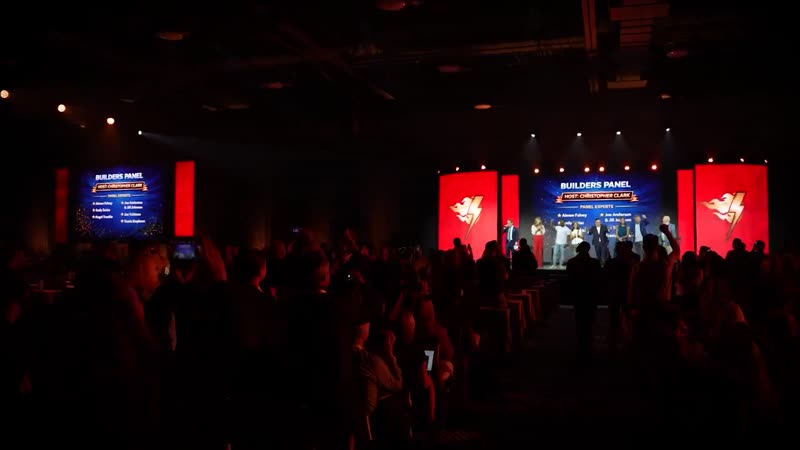
Two minutes and twenty seconds from the room. Three crops so it fits wherever you are posting — landscape for the feed and email, square for Instagram and Facebook, vertical for stories and TikTok. All three carry the audio.
 MP4
MP4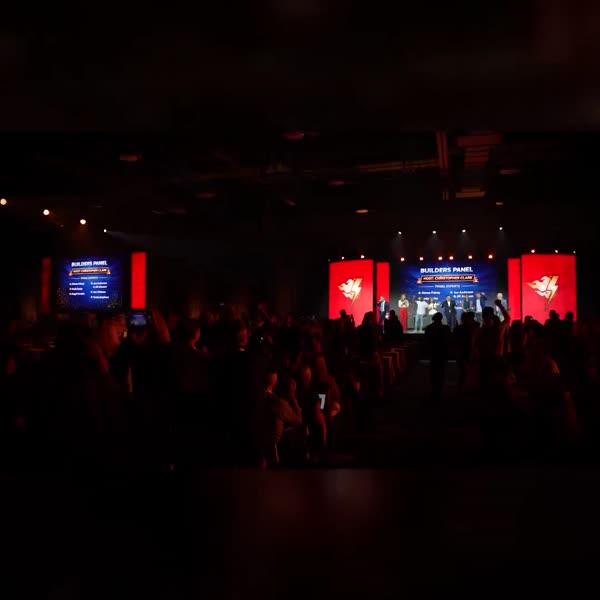 MP4
MP4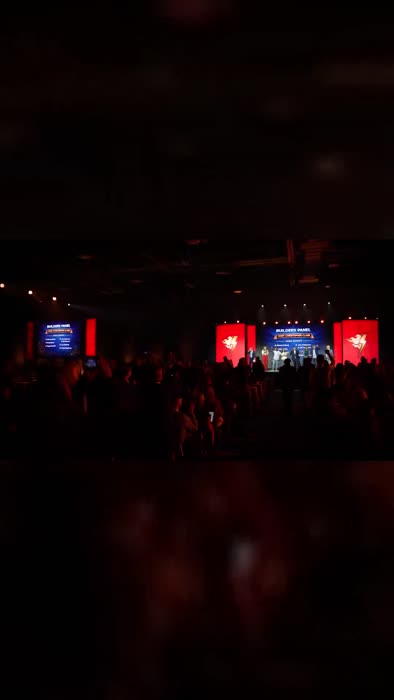 MP4
MP4Most people scroll with the sound off, so the first few seconds have to work silently. If your platform lets you add captions, add them — and put the date in your caption rather than relying on the video to carry it.
Slides
Full-screen 16:9, sized for PowerPoint, Keynote, Google Slides and Zoom screen share. Put one up at the end of a call and leave it on screen while you take questions.
These end on the same instruction — contact your upline for tickets. Hold the slide there through the Q and A so the ask stays on screen after you have stopped saying it.
Logos
The 2027 mark comes in clean and distressed. Light versions need a dark background behind them, dark versions need a light one — the plated files handle that for you.
Ignite 2027 — clean
The primary mark. Use this one unless you have a reason not to.
Ignite 2027 — distressed
Same mark with a worn texture. Good on photography and anything that wants some grit.
Ignite — the original brand
No year attached. Good for evergreen posts and anything that outlives March.
Full-resolution masters are in the download folder if you need them for print.
Hashtags
Three tags on every post. It takes a second and it is what lets us find your post, reshare it, and put your team in front of the whole field.
Tagged posts land in one place. We pull the best ones onto the Ignite accounts through launch week and again in the run-up to March. Untagged posts we simply never find.
A like is counted once. A comment pushes the post back into other people's feeds, and a reply pushes it again. If a teammate posts, say something on it — two words will do.
Nobody registers off a poster. They register because three people they respect are clearly going. Every post you make is that signal for somebody still deciding.
A small ask
The library
Posts, ready to go
Sized correctly for each platform. Download, add your agency logo if you want to, and post.
A pack is thirty seats and they do not fill themselves. The leaders who post early fill fastest — people need to see the event before they will ask you for a seat. Grab one of these, put it up today, and tell people to message you.
Announce the event
Before anyone has bought anything. Use these from launch week onward.
Say you are going
The single most effective post you can make. People come because people they know are going.
Show your people
Photography rather than type. Reach for these when you are talking about the room, not the ticket.
Bring your team
For recruiting the people you want beside you, and telling them there are discounted tickets in your pack. These all end on “contact me”.
Fill your pack
For pack owners recruiting their team. These say you have tickets and ask people to message you.